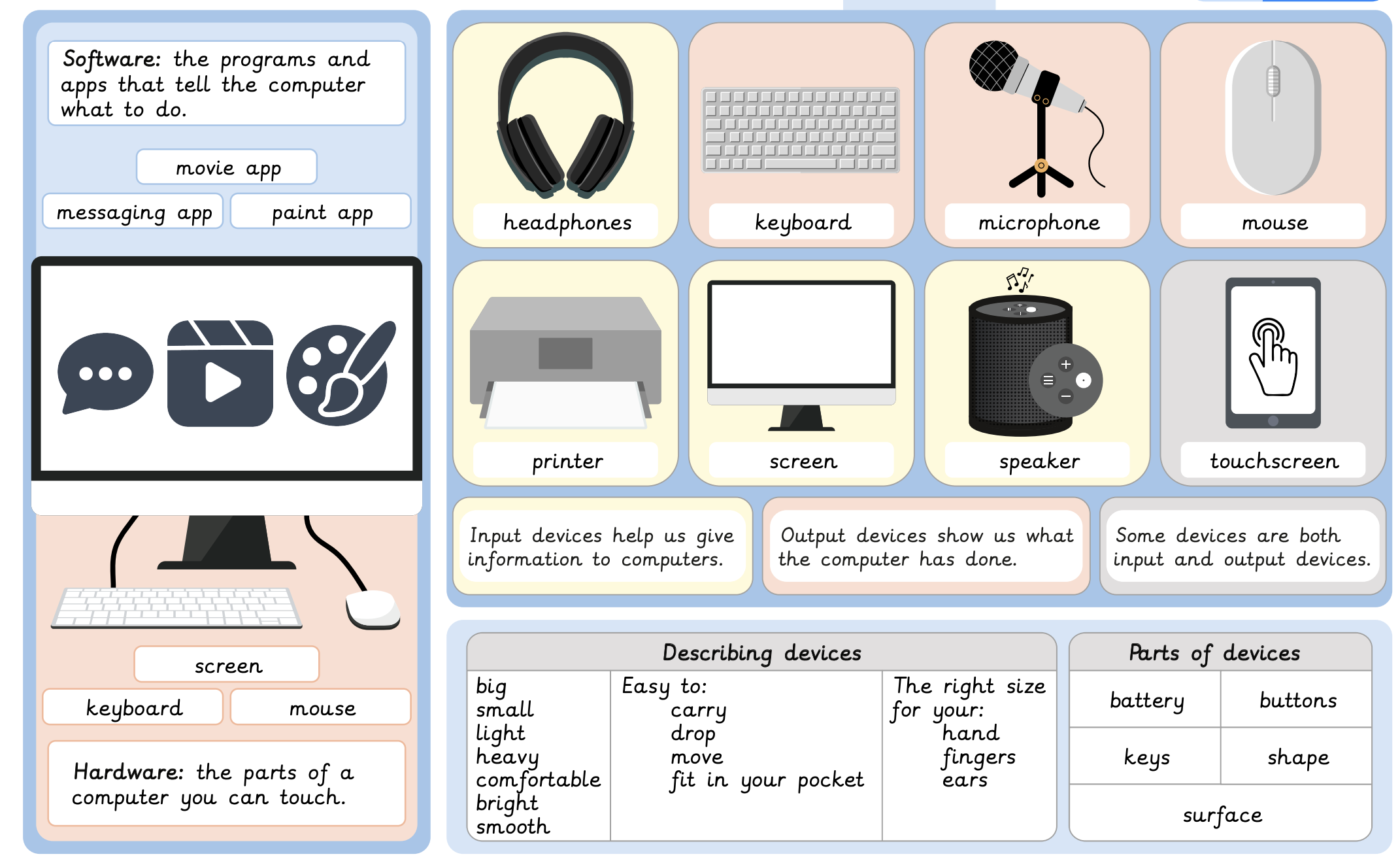
A Knowledge organiser that captures the essential knowledge and skills learned throughout the Stage 2 Computing unit, How computers work.
This Computing resource is designed to support children as they learn what software and hardware is, the difference between input and output devices and the features of these devices. They find out which jobs computers do better than people and identify the differences between real and fictional robots.

This unit vocabulary includes keywords from the Stage 2 unit How computers work and additional unit-specific words that may be helpful in a display.
This unit vocabulary includes keywords from the Stage 1 unit: Algorithms unplugged and additional unit-specific words that may be helpful in a display.
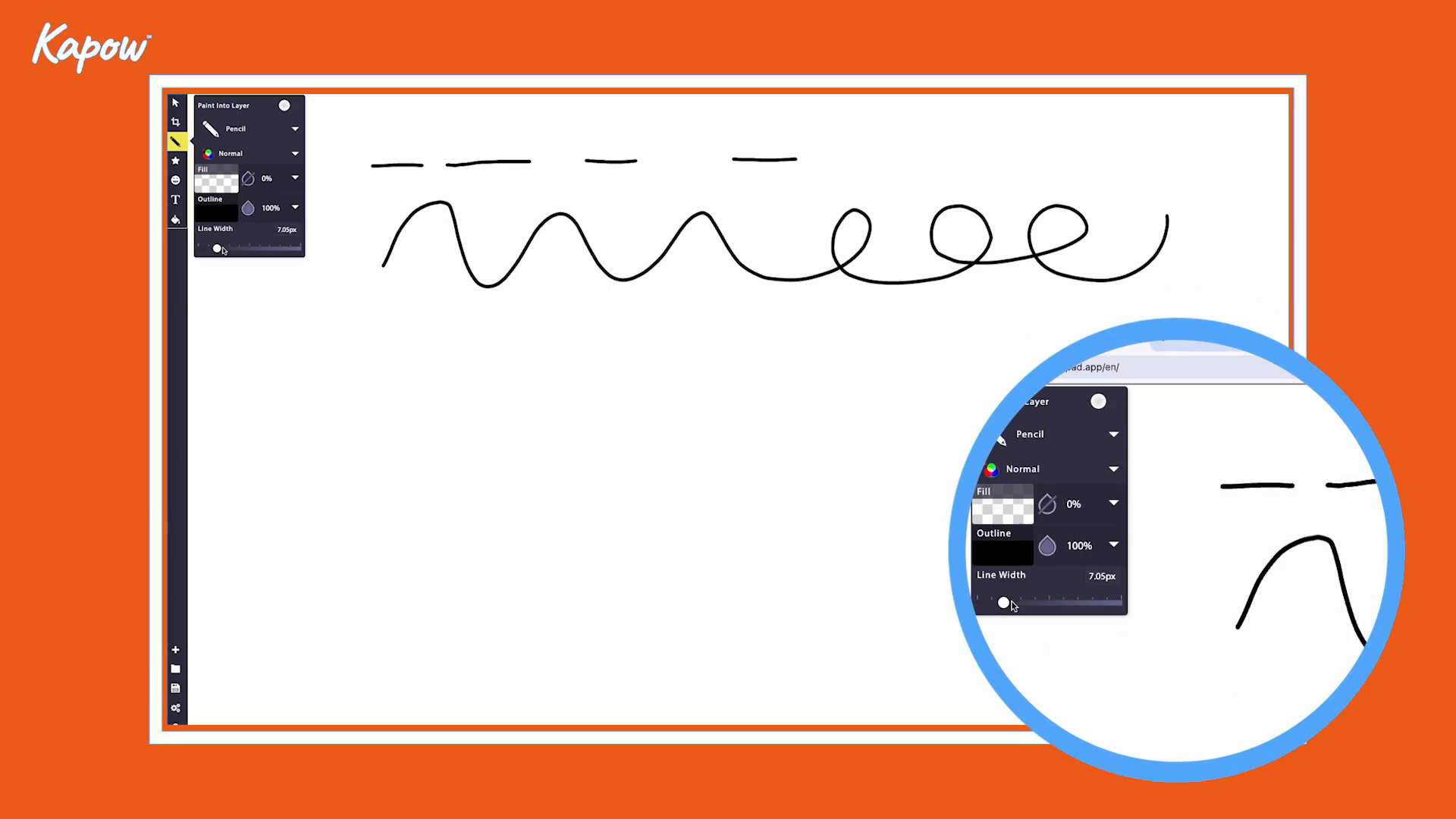
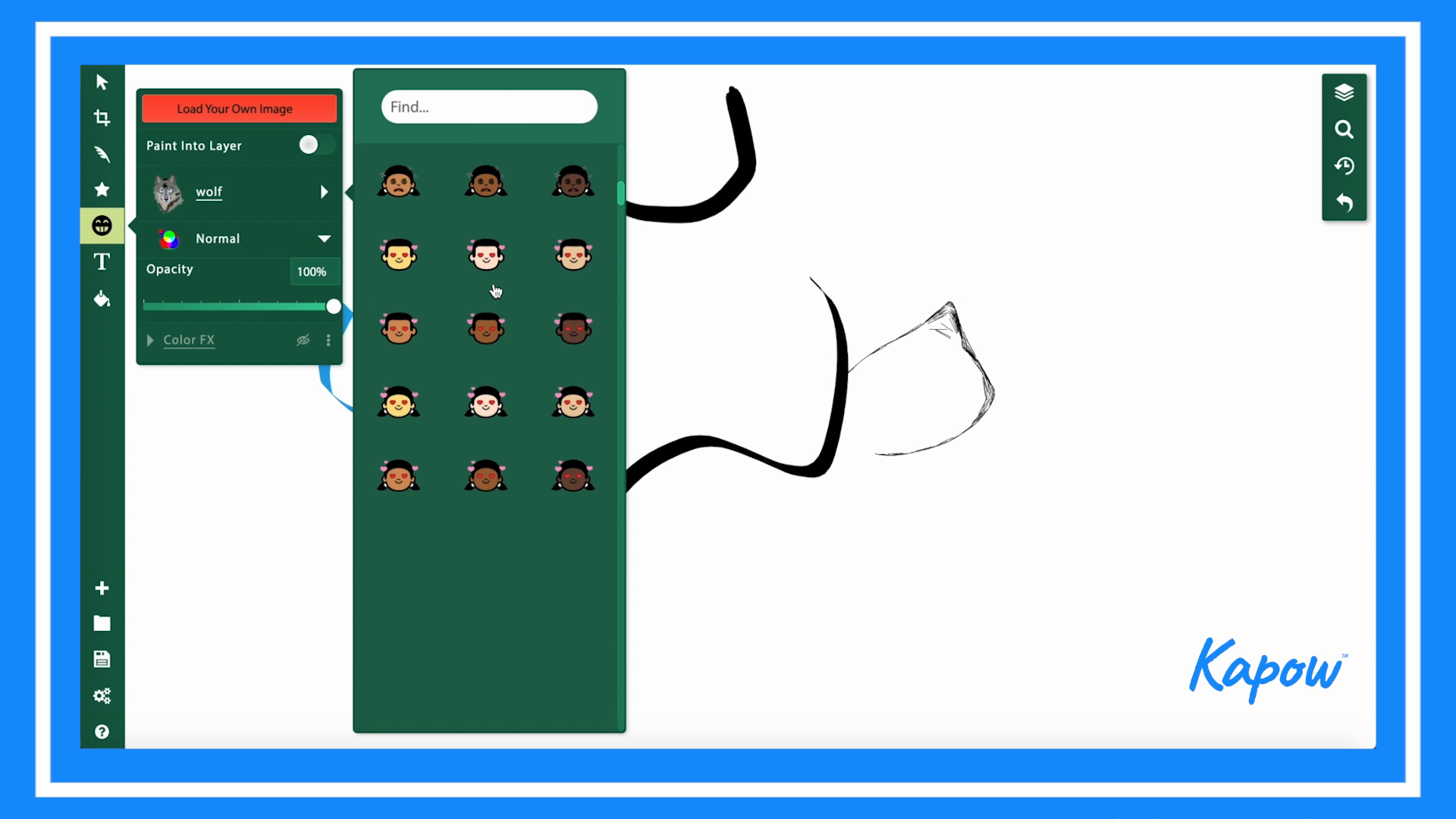
This Stage 1 Computing video introduces learners to the drawing and design tools available in Sketchpad. It shows how to use different brushes to create textures, adjust colour and thickness and experiment with freehand drawing.
This Stage 1 Computing video introduces learners to the creative tools available in Sketchpad for making digital artwork. It demonstrates how users can choose from different brush styles, change thickness and colours and explore gradients.