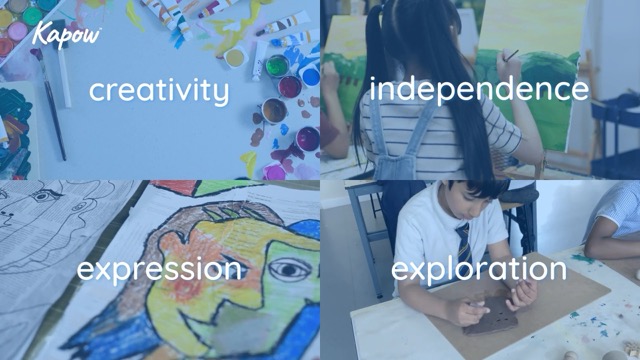
The Kapow Art and Design scheme is built on the belief that art is more than a subject—it’s a way of thinking, exploring, and expressing. Fully aligned with the Cambridge Primary Art and Design curriculum, it emphasizes creativity, independence, expression, and exploration.
The scheme includes detailed lesson plans, interactive presentations, learner and teacher videos, printable materials, and examples of artists from diverse cultures and time periods. Learners engage in experimenting, making, reflecting, and thinking artistically, which mirrors how real artists work.
Through this process, children develop confidence, problem-solving skills, innovation, and self-expression. Teachers are supported with flexible resources, guidance notes, and assessment tools, encouraging adaptability to different contexts.
Ultimately, Kapow’s approach nurtures resilient, reflective, and creative learners who think and work like artists.

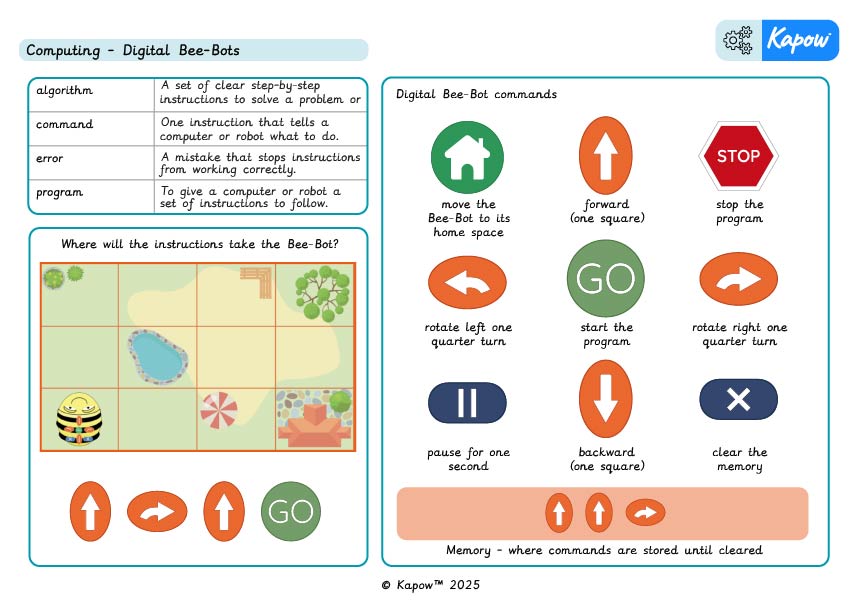
A Knowledge organiser that captures the essential knowledge and skills learned throughout the Stage 1 Computing unit, Bee-Bots.
This Computing resource is designed to support children as they learn how to program a Bee-Bot using clear commands and sequences. It highlights key vocabulary, functions and concepts, such as algorithms, debugging and directional control, helping learners consolidate their understanding and develop confidence in giving precise instructions to a programmable device.
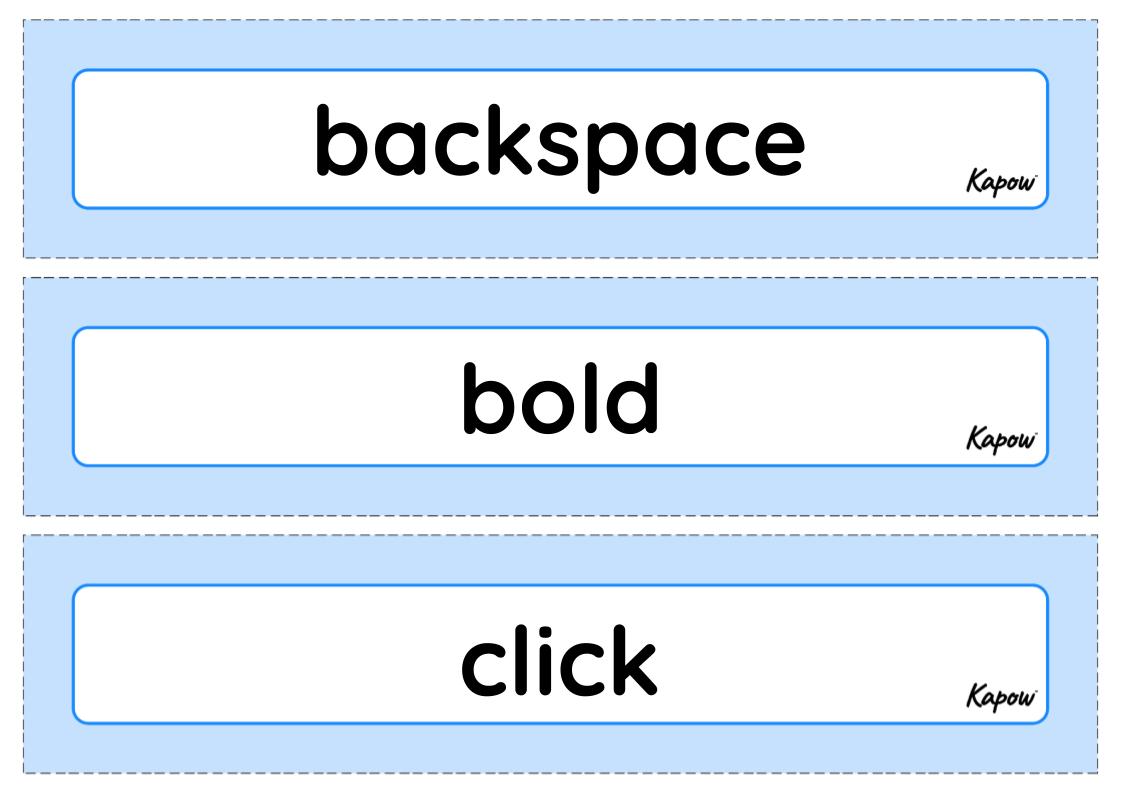
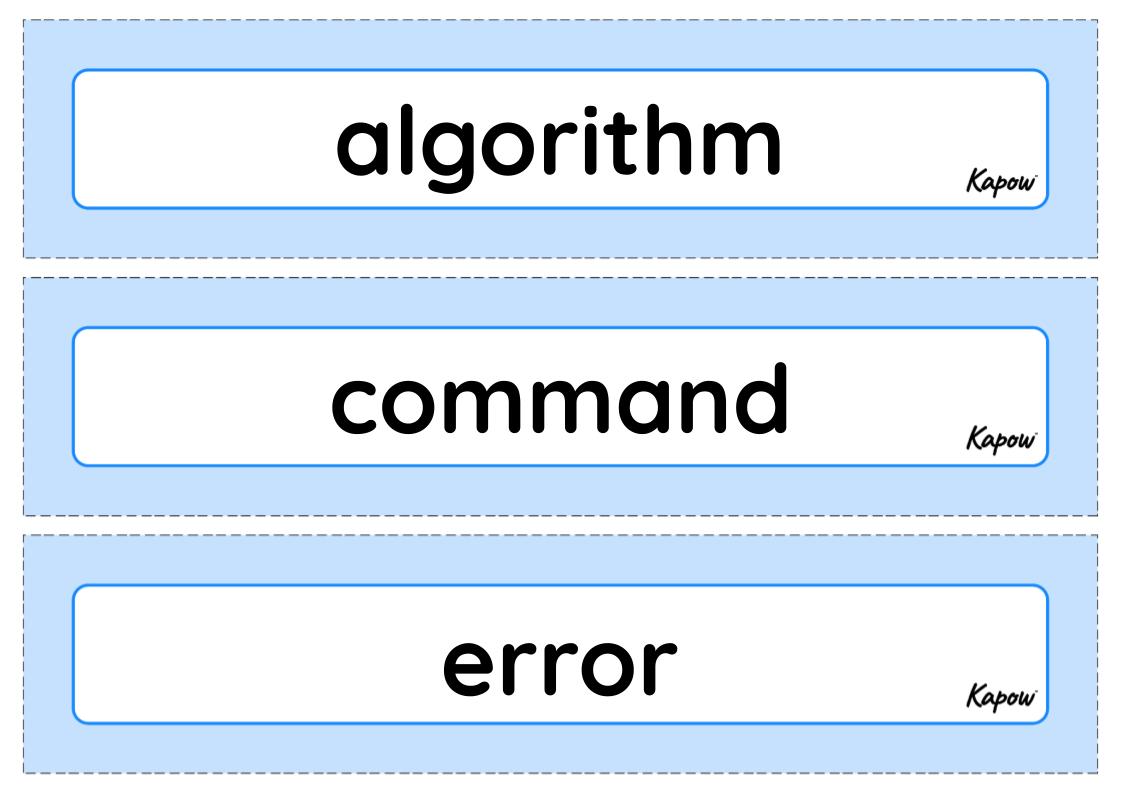
This unit vocabulary includes keywords from the Stage 1 unit: Getting started: Digital skills for computing and additional unit-specific words that may be helpful in a display.
A Knowledge organiser that captures the essential knowledge and skills learned throughout the Stage 1 Computing unit, Bee-Bots.
This Computing resource is designed to support children as they learn how to program a Bee-Bot using clear commands and sequences. It highlights key vocabulary, functions and concepts, such as algorithms, debugging and directional control, helping learners consolidate their understanding and develop confidence in giving precise instructions to a programmable device.
This unit vocabulary includes keywords from the Stage 1 unit: Bee-Bots and additional unit-specific words that may be helpful in a display.
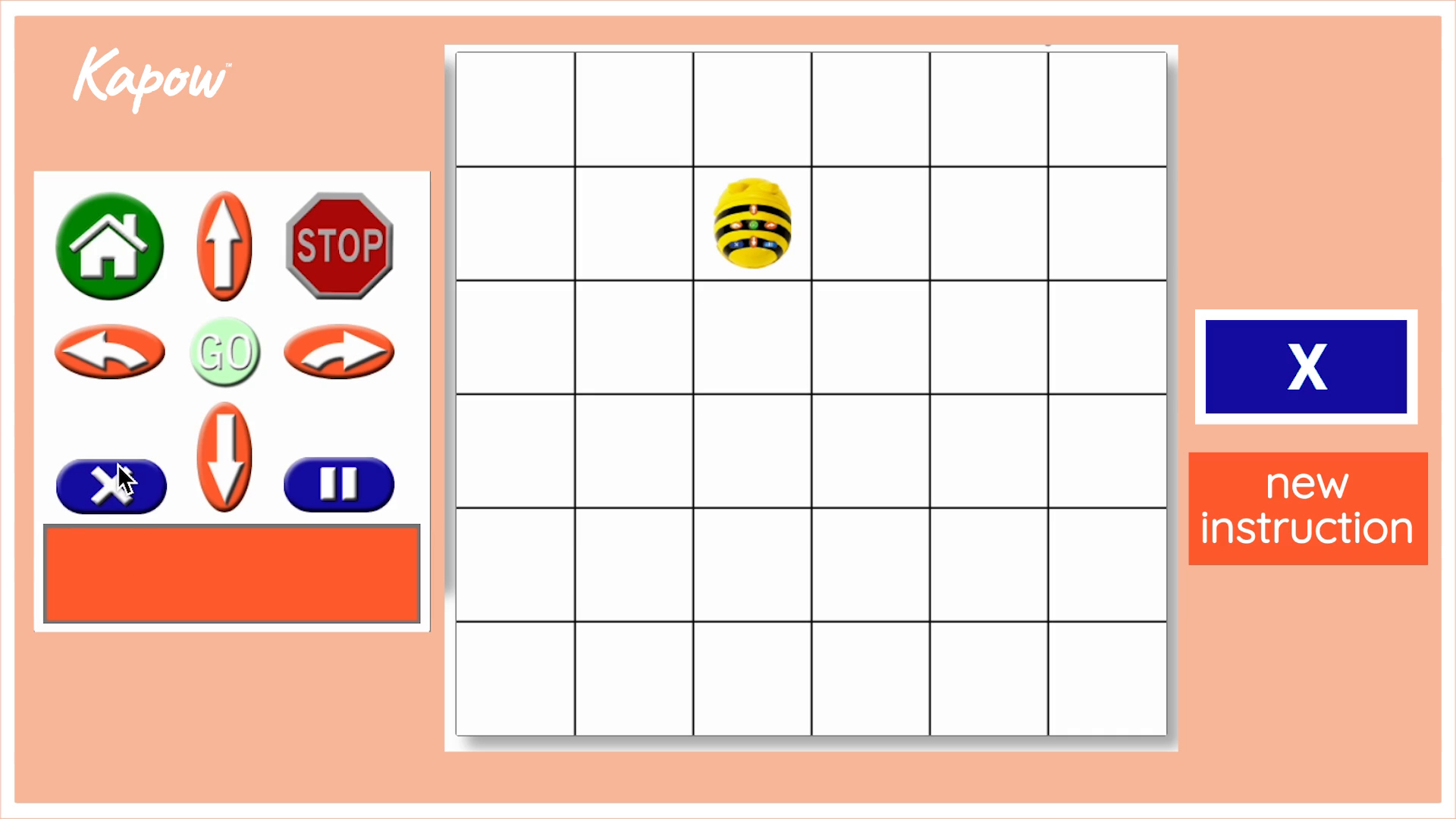
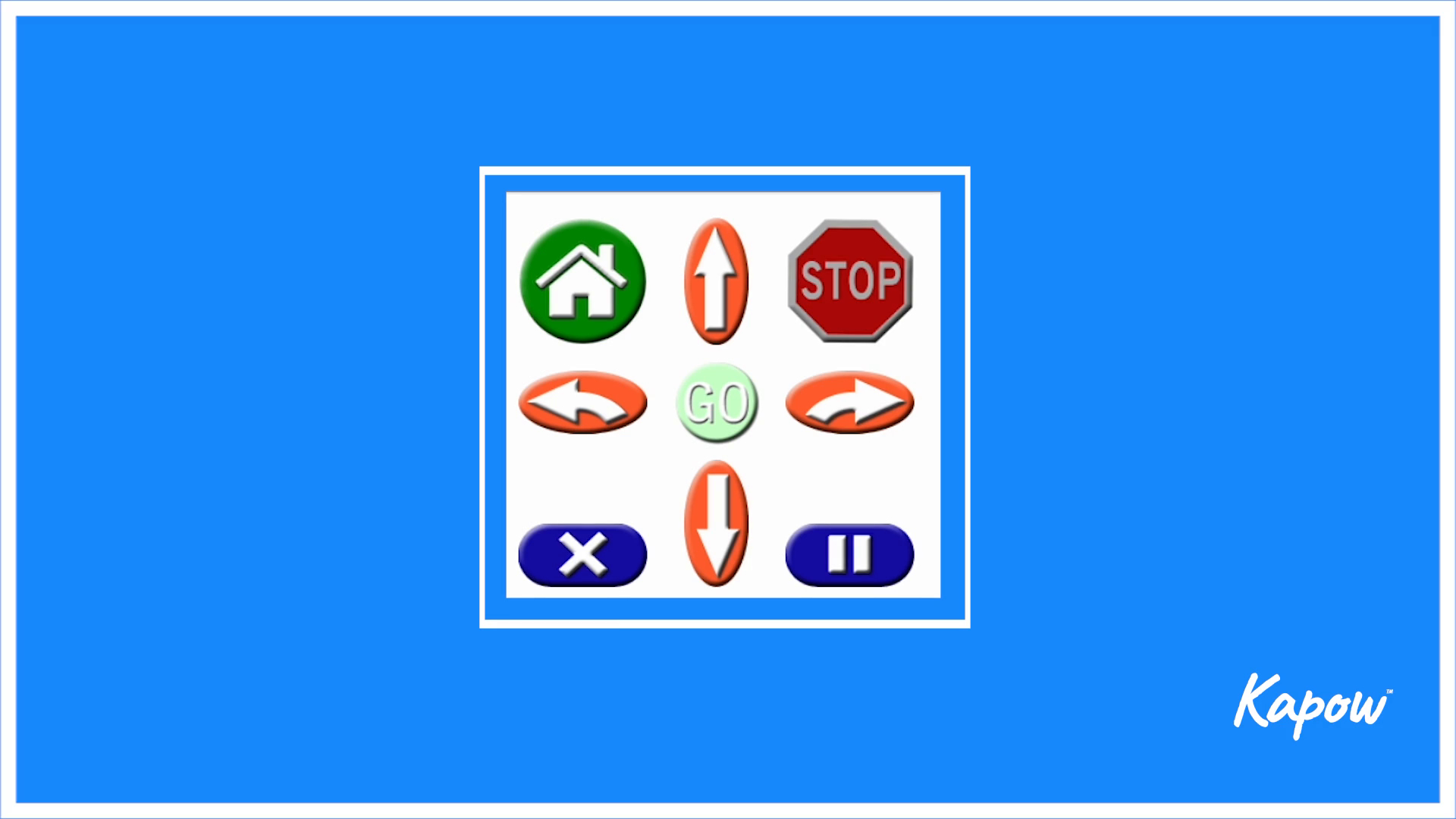
This video shows how to use the digital Bee-Bot emulator, an online version of the Bee-Bot (available to purchase from TTS). It explains what each button on the controller does, how to give commands and the importance of checking the Bee-Bot’s direction before starting.
This video introduces the digital Bee-Bot emulator, a website-based version of the popular Bee-Bot robot for teaching early programming concepts. It explains how the emulator’s nine-button controller works, covering the function of each command and how they can be sequenced to create an algorithm.
This unit vocabulary includes keywords from the Stage 1 unit Introduction to data and additional unit-specific words that may be helpful in a display.
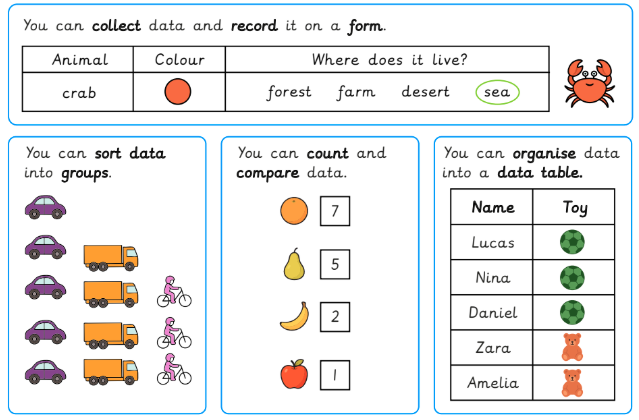
A Knowledge organiser that captures the essential knowledge and skills learned throughout the Stage 1 Computing unit, Introduction to data.
This Computing resource is designed to support children as they learn what data is, how to collect it using forms, sort it into groups, count and compare it, and organise it in tables. They practise asking the right questions to gather helpful information and develop confidence in answering questions with data.