


Unit outcomes
Learners who are secure will be able to:
- Recognise the smaller steps needed to solve a problem.
- Describe simple tasks where algorithms are used.
- Identify different blocks in MakeCode and explain their basic use.
- Create a simple sequence of instructions using at least three different blocks.
- Recognise that blocks fit together to form a sequence.
- Arrange code blocks in the correct order to create a working program.
- Identify any errors and debug their code effectively.
Suggested prior learning
*Coming soon* Unit 2: Algorithms and debugging
Get started
Lessons
Lesson 1: Exploring code
Lesson 2: Tinkering with MakeCode
Lesson 3: Creating icons
Lesson 4: Building a program in MakeCode
Lesson 5: Debugging a program
Key skills
Prior learning
- An algorithm is

We do not currently offer this subject
Learning objectives
Cambridge Primary Computing (0059)
We do not currently offer this subject
Key vocabulary
algorithm
block coding
We do not currently offer this subject
Related content
Resources
Unit resources

Computer Science
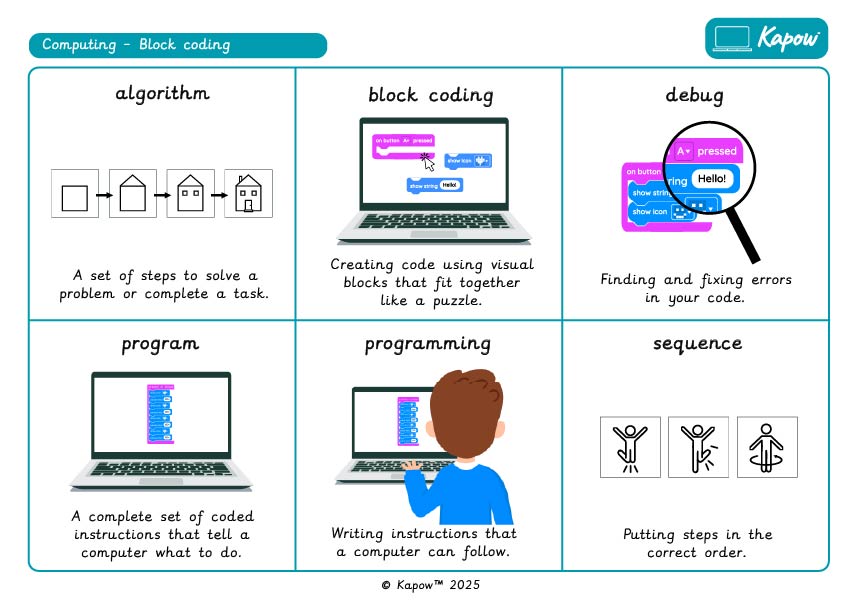
Knowledge organiser – Computing S2: Block coding
Aimed at learners, two pages providing key facts and definitions from the unit.
Computer Science
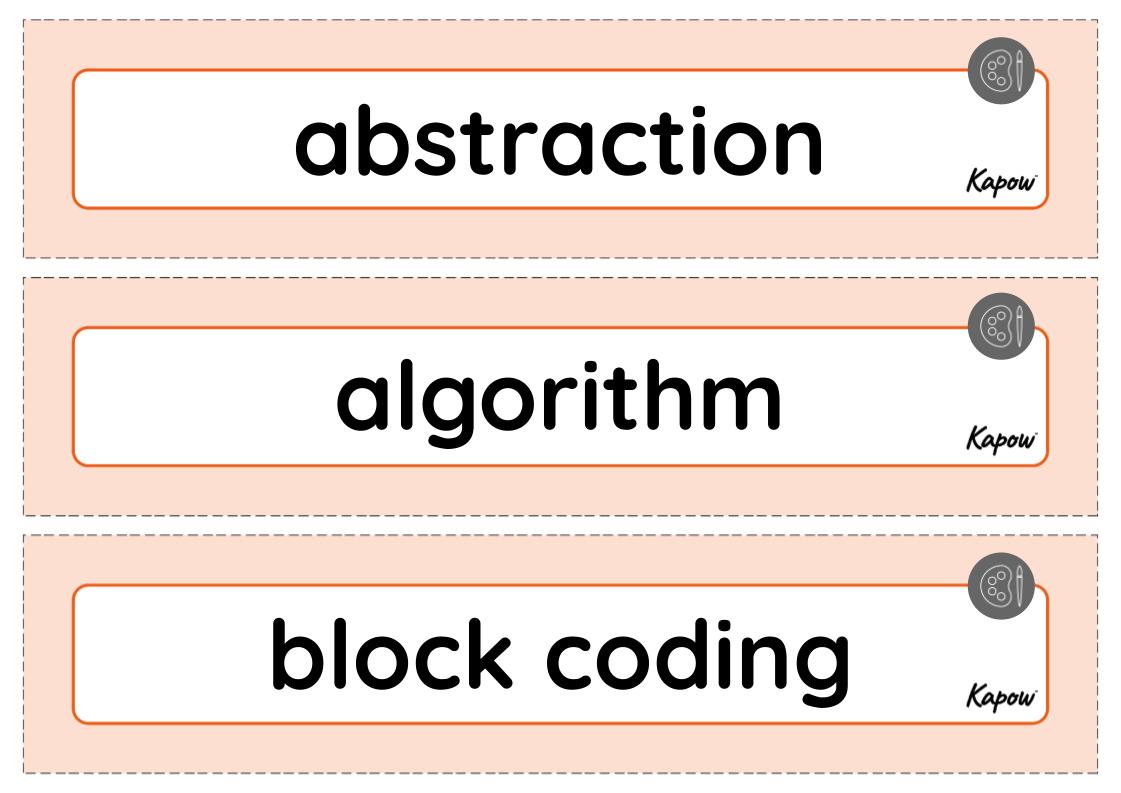
Vocabulary display – Computing S2: Block coding
A display version of the unit vocabulary.
Suggested next steps
Unit 4: Data detectives
Get started
