


Learning intention
- To explore ways data can be presented.
Success criteria
- I can add data to a chart using

We do not currently offer this subject
Cambridge Primary Computing (0059) Learning objectives
Managing data
We do not currently offer this subject
Before the lesson
We do not currently offer this subject
Lesson plan
Recap and recall
Give out whiteboards and pens. Show the Presentation: Recap and recall to revisit the five places explored in Lesson 3: Our favourite places (forest, beach, city, mountains, desert).
This content is for subscribers only. Join for access today.
Extended-mode explainer videos
How to extend your display to view the lesson page and preseantion mode simultaneously. Choose your operating system below to watch the video
If you need further support with extending your display,
please contact [email protected].
Differentiation
Learners needing support:
- Could use a pre-made table with category labels already typed in.
-
Could work with only one graph type (the pictogram that they will have explored in Lesson 2) to reduce cognitive load.
-
Should have access to visual word banks for the data labels (forest, beach, mountains, desert, city).
Learners working at a stretch:
- Should compare at least two chart types and explain which presents the information most clearly and why.
-
Could reorganise data to improve clarity before presenting it.
-
Should interpret deeper questions such as: “How many more votes does X have than Y?” or “What does this tell us about our class?”
-
Could suggest a new survey question and predict what the data might show.
We do not currently offer this subject
Assessing progress and understanding
Learners with secure understanding can:
-
Use a device to
We do not currently offer this subject
Vocabulary definitions
-
category
A group that data belongs to.
-
chart
A picture that shows data to help us understand it.
We do not currently offer this subject
In this unit
Lesson 1: Zoo data

Lesson 2: Picture data
Lesson 3: Our favourite places
Lesson 4: Presenting data
Lesson 5: Choosing the right question

Maintained by: Kapow Primary team
Last update: 17th December, 2025
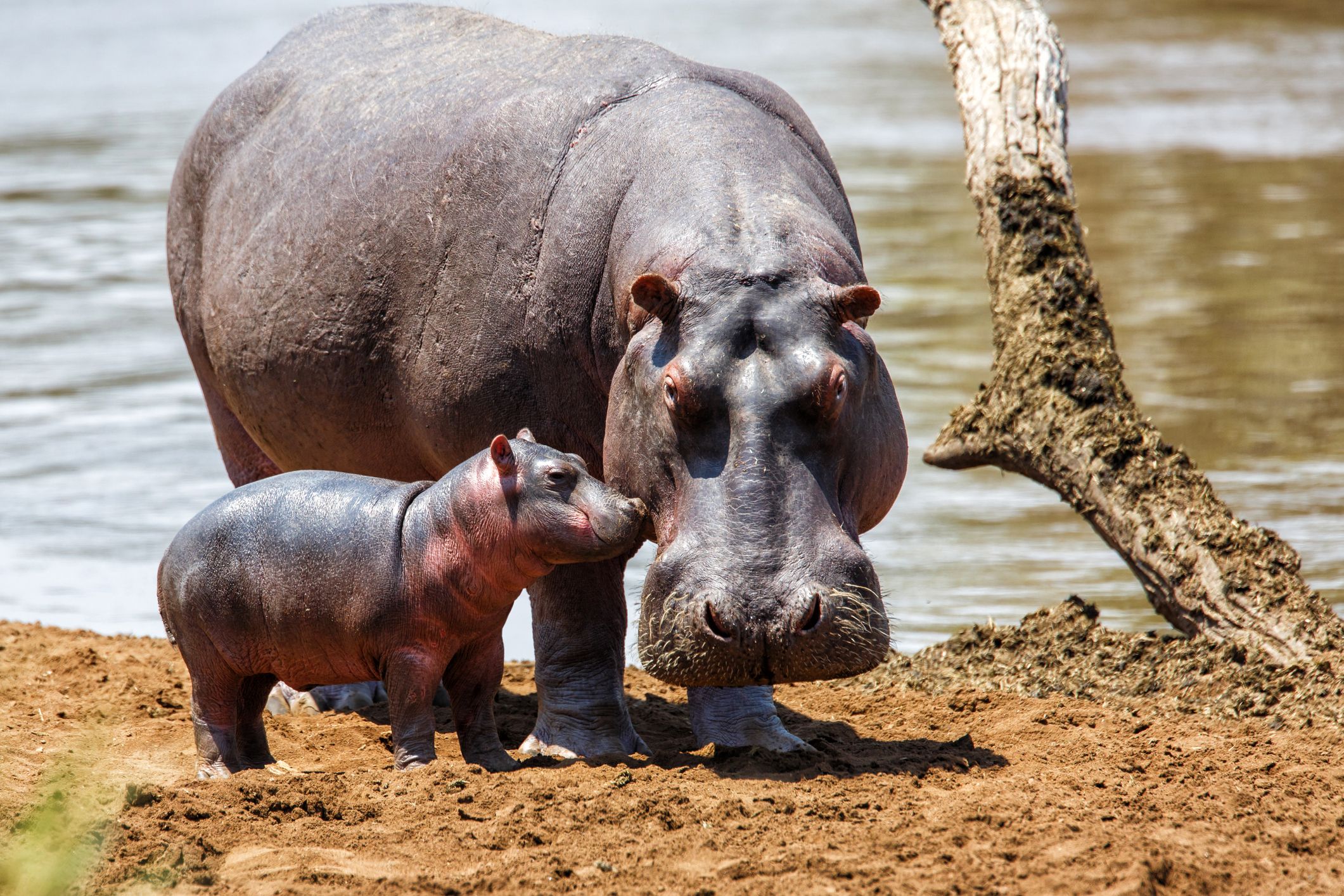
Lesson 1: Zoo data
Introducing the term 'data' through an animal-themed activity that involves identifying the number of animals...

Lesson 3: Our favourite places
Completing a class survey on favourite places, collecting and recording data using computers.

Lesson 5: Choosing the right question
Learning that some questions collect statistical data, while others give opinions that cannot be counted....
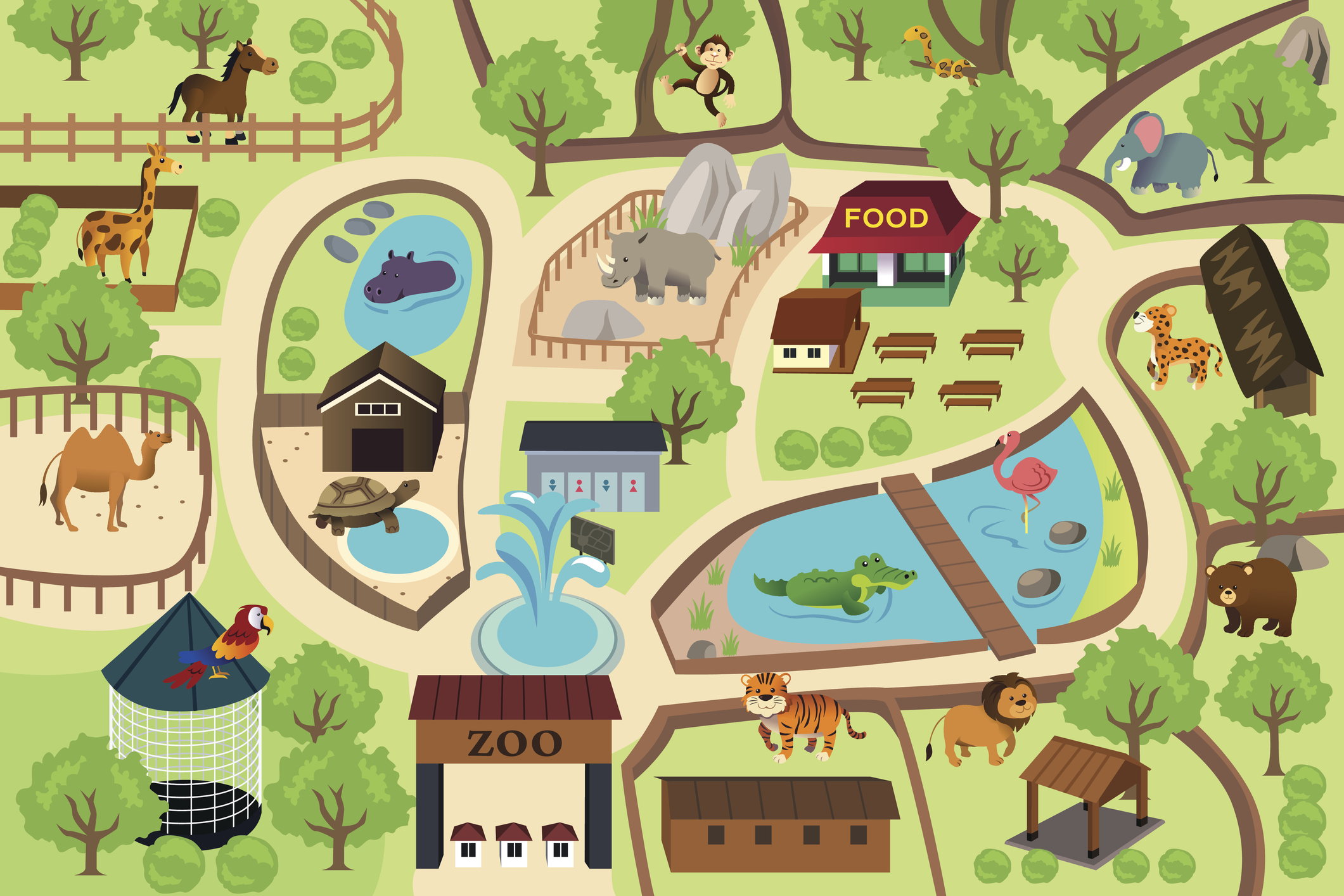
Lesson 2: Animal pictograms
Using online software to represent categorical data about zoo animals; creating a pictogram.
