


Learning intention
- To identify computer parts and explain what they do.
Success criteria
- I can identify the difference between hardware and

We do not currently offer this subject
Cambridge Primary Computing (0059) Learning objectives
Computer Systems
2CS.01 Use the correct
We do not currently offer this subject
Before the lesson
We do not currently offer this subject
Lesson plan
Recap and recall
Tell learners that they will recap their learning about computers from Stage 1 with a quiz. Show slide 1 of the Presentation: Computer quiz. Read the questions and multiple-choice options aloud. Learners discuss the correct answer in pairs.
This content is for subscribers only. Join for access today.
Extended-mode explainer videos
How to extend your display to view the lesson page and preseantion mode simultaneously. Choose your operating system below to watch the video
If you need further support with extending your display,
please contact [email protected].
Differentiation
Learners needing support:
- Should use the Resource: Hardware and software sentence builder (support) when completing the Main event.
- Could use the Knowledge organiser to help them identify the difference between hardware and software devices.
Learners working at a stretch:
- Could record more examples of other hardware or software they can see in the classroom or know from before.
- Could use the Activity: Hardware and software: blank version to name items from memory, reminding them that the slide shows answers in alphabetical order so their list may look different.
We do not currently offer this subject
Assessing progress and understanding
Learners with secure understanding can:
- Identify the difference between hardware and software.
- Recognise and
We do not currently offer this subject
Vocabulary definitions
-
hardware
The physical parts of a computer you can touch, like the screen, keyboard or mouse.
-
headphones
Things you wear on your ears to listen to sound from a computer, tablet or phone.
We do not currently offer this subject
In this unit
Lesson 1: Hardware and software
Lesson 2: Input and output devices

Lesson 3: Different computing devices
Lesson 4: Jobs computers do well
Lesson 5: Real and fictional robots

Maintained by: Kapow Primary team
Last update: 29th December, 2025
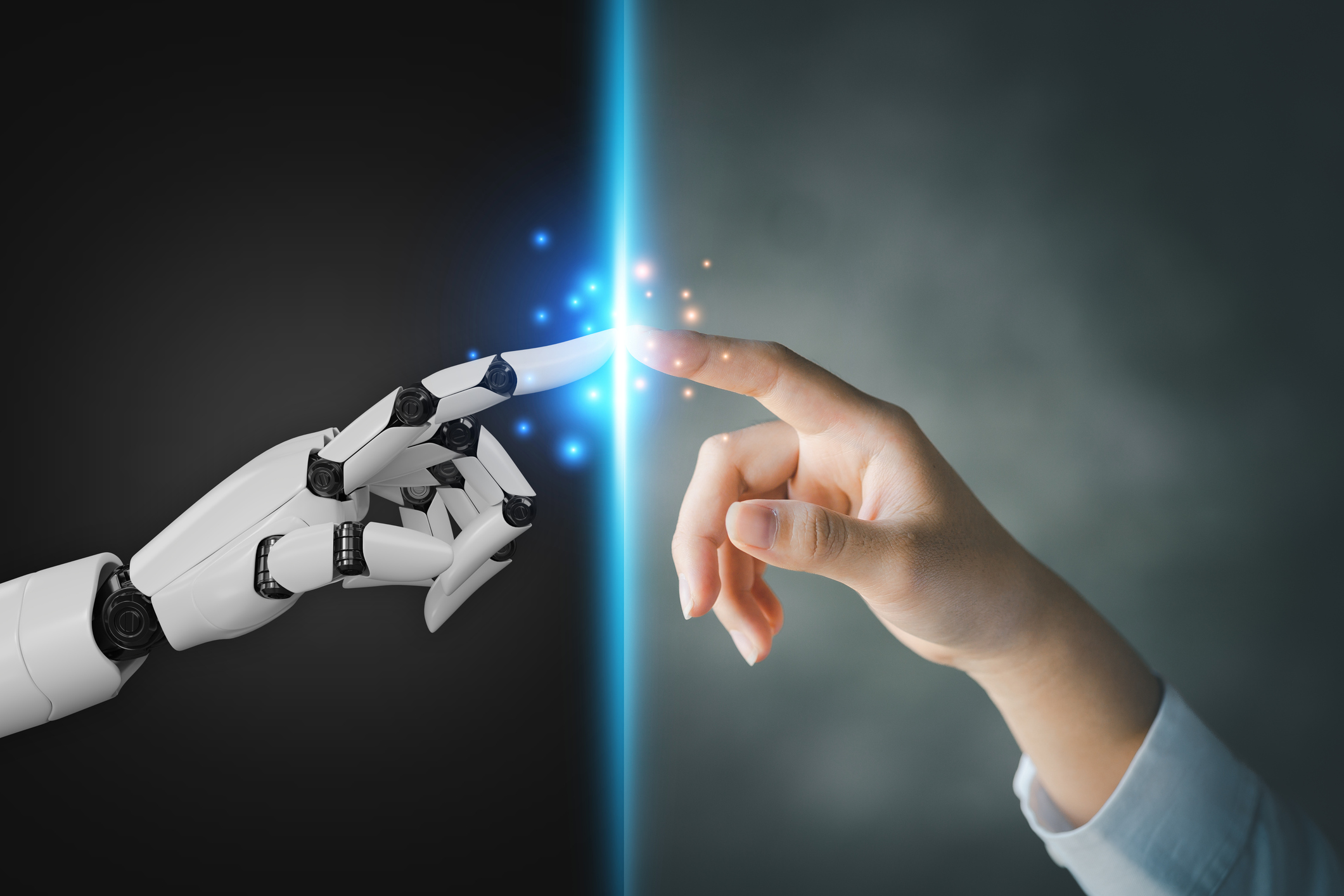
Lesson 5: Real and fictional robots
Exploring the difference between real and fictional robots.

Lesson 2: Input and output devices
Identifying the difference between an input device and an output device; describing their function and...

Lesson 4: Jobs computers do well
Comparing how people and computers do the same task and identifying the jobs computers do...

Lesson 3: Different computing devices
Explaining why different devices are good for different activities or places.
